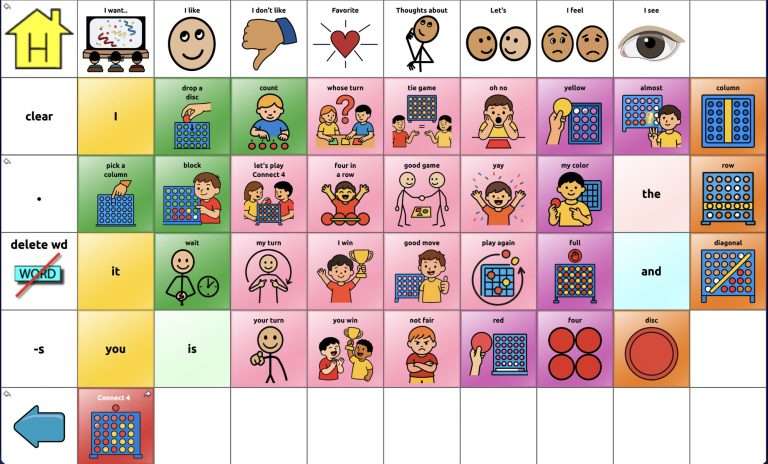
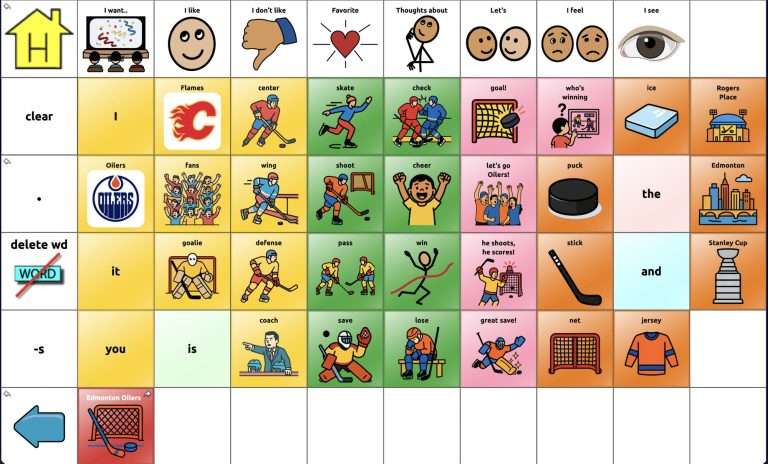
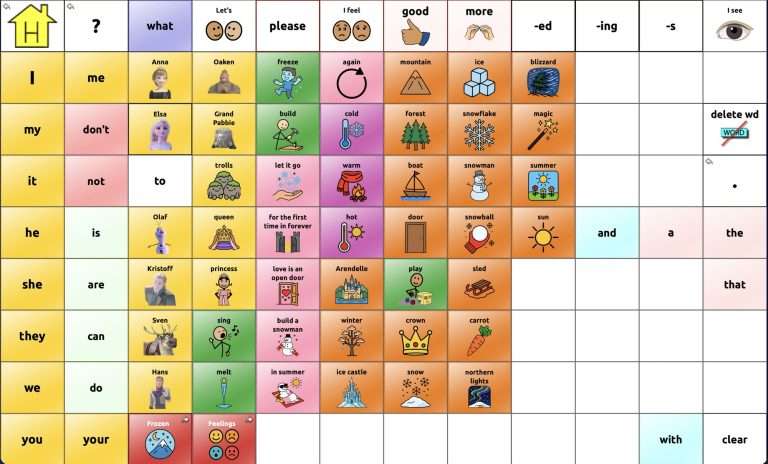
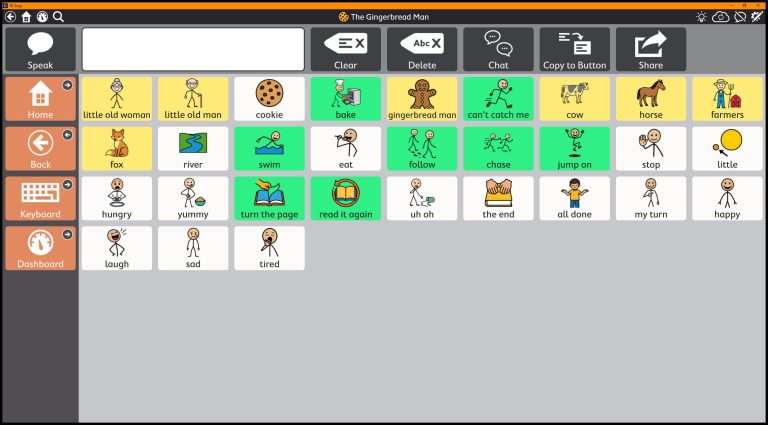
New free TouchChat template: Playing Uno 60
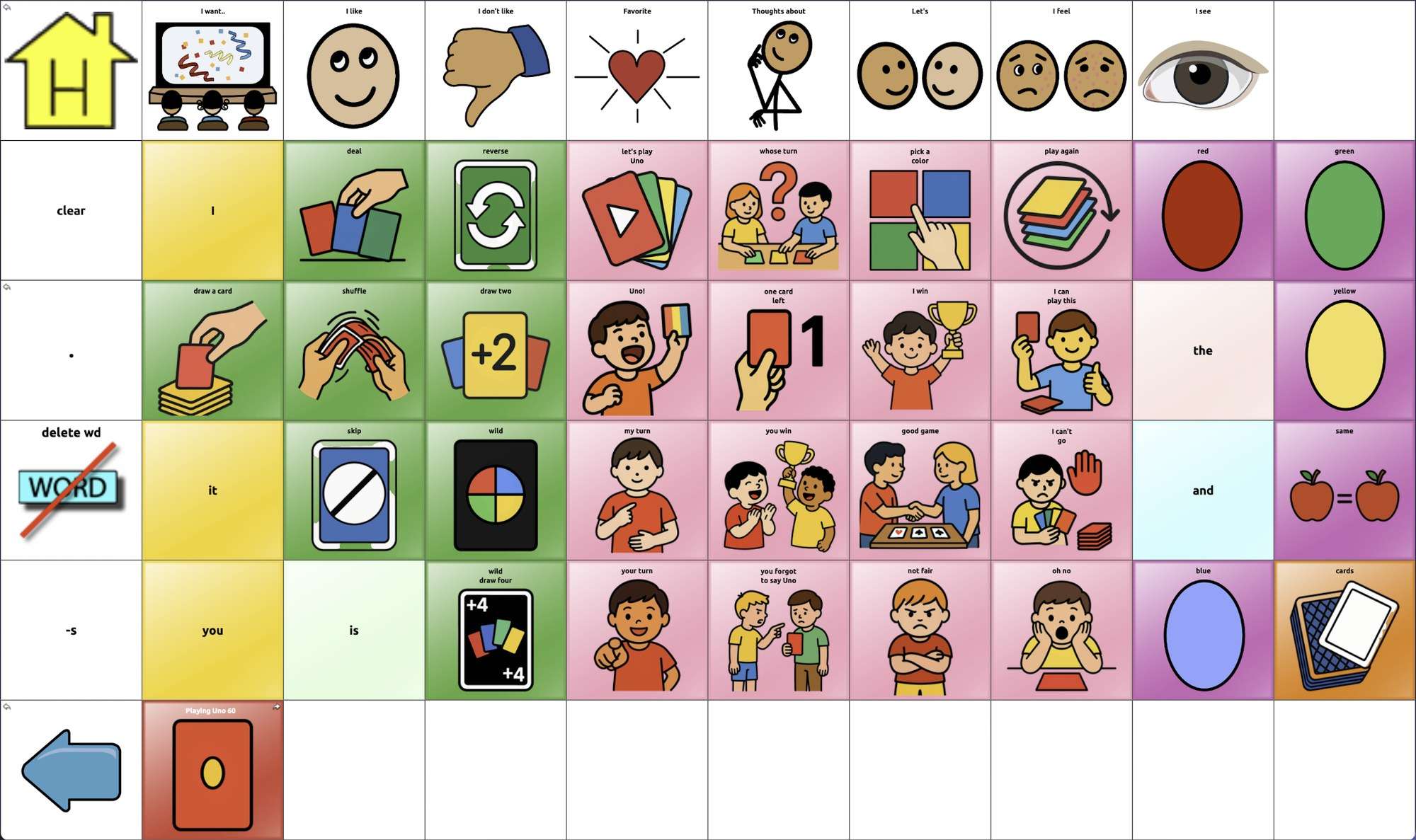
The one-board pack for playing the card game Uno on WordPower 60: whose turn it is, the special cards, the colors, and everything a player says when the game gets exciting.
It is one game, so it is one board. A child can call their turn, ask whose turn, say pick a color, draw two, skip and reverse, and then the things players really say: one card left, you forgot to say Uno, oh no, not fair, you win, good game.
The card pictures are plain and generic, so they work with any deck.
What’s on the pages
- Playing Uno 60: let’s play Uno, Uno!, my turn, your turn, whose turn, one card left, you win, you forgot to say Uno, pick a color, I win, good game, not fair, play again, I can play this, I can’t go, draw a card, deal, shuffle, skip, reverse, draw two, wild, wild draw four, red, blue, green, yellow, cards, same and oh no.
It is built for WordPower 60 on TouchChat. That is the one thing worth checking before you download: a page laid out for one grid size will not fit another. In TouchChat you can see which vocabulary is in use under Menu → Vocab → Choose Vocab.
It is free, like everything in our library. Get the Playing Uno 60 template for TouchChat, or browse the whole free library.
Need something we do not have yet? Tell us what to build. Requests from families are where most of these come from.